- What is the best feature of Canva as a mind map maker? Canva's drag-and-drop interface and extensive template library are its strongest features, making it incredibly easy for anyone to start creating professional-looking mind maps instantly.
- Can I collaborate on mind maps in Canva? Yes, Canva supports real-time collaboration. You can invite team members to view or edit your mind maps, fostering productive group brainstorming sessions from any location.
- Is Canva's mind map maker free to use? Canva offers a robust free version with many mind mapping features. For advanced tools, premium templates, and additional storage, a Canva Pro subscription is available.
- How can I export my mind map from Canva? You can export your Canva mind maps in various formats including JPG PNG PDF and even as a PowerPoint presentation making them versatile for different uses.
- Does Canva integrate with other tools for mind mapping? While Canva is a standalone design tool it allows for easy embedding or sharing of your designs into various presentation or document platforms.
- Are there specific templates for different types of mind maps? Absolutely. Canva provides templates for brainstorming project planning decision making and more ensuring you find a suitable layout for any purpose.
- How does Canva help with visual thinking and organization? By providing a visual canvas for ideas Canva helps users connect concepts structure information and see the bigger picture making complex topics easier to understand and remember.
Discover the ultimate guide to using Canva as your go-to mind map maker in 2026. This comprehensive resource is tailored for Gen Z and younger Millennials seeking efficient and visually appealing ways to organize thoughts brainstorm ideas and streamline projects. Learn how to leverage Canva's intuitive interface its vast library of templates and powerful design tools to create stunning mind maps effortlessly. Whether you are a student a professional or a creative individual this guide provides actionable insights and practical tips to maximize your productivity. Explore the benefits of visual thinking and how Canva transforms complex ideas into clear concise and engaging mind maps. Get ready to unlock your creative potential and enhance your organizational skills with the most user-friendly design platform available. We cover everything from initial setup to advanced customization ensuring you become a Canva mind mapping pro in no time.
Questions & answers
How do I create a mind map in Canva efficiently?
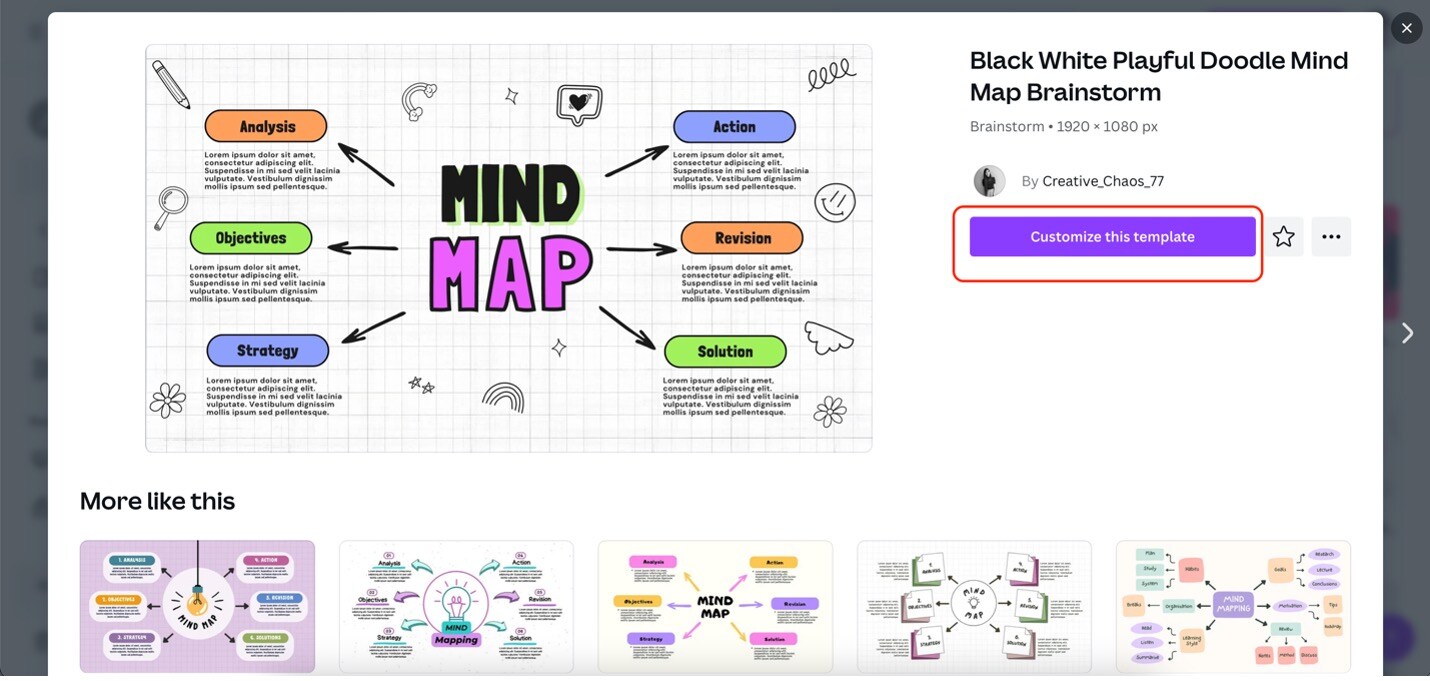
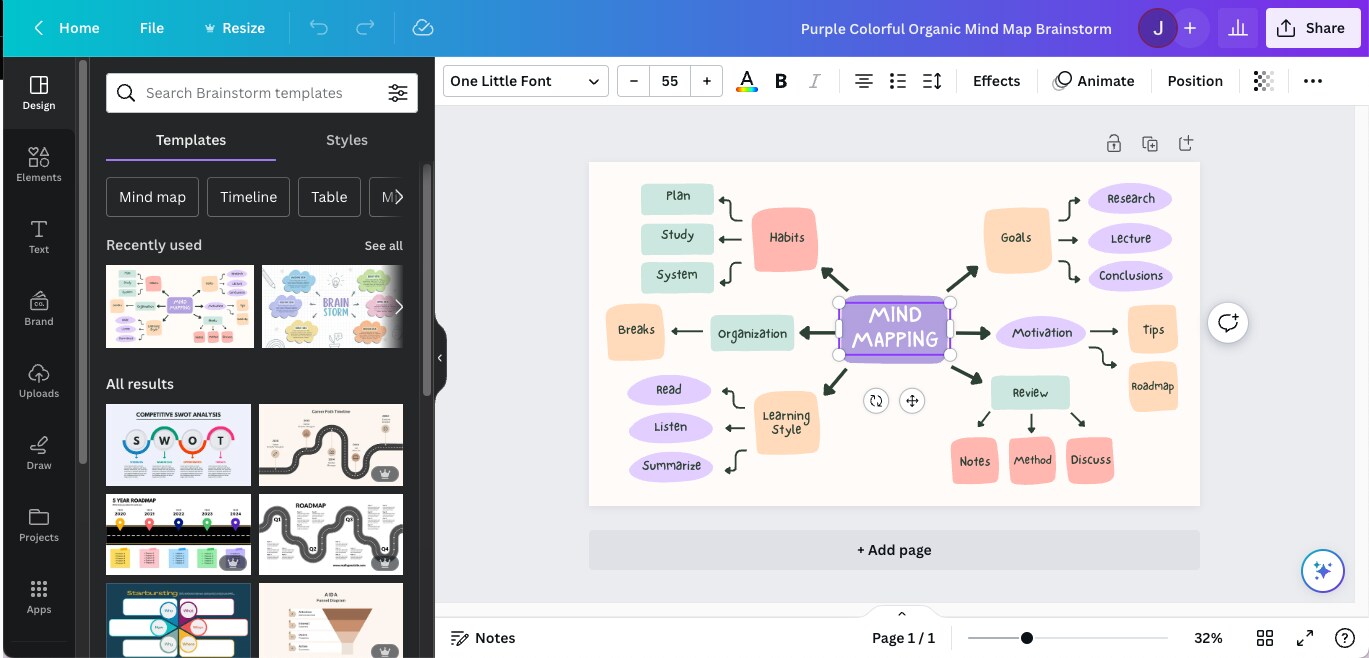
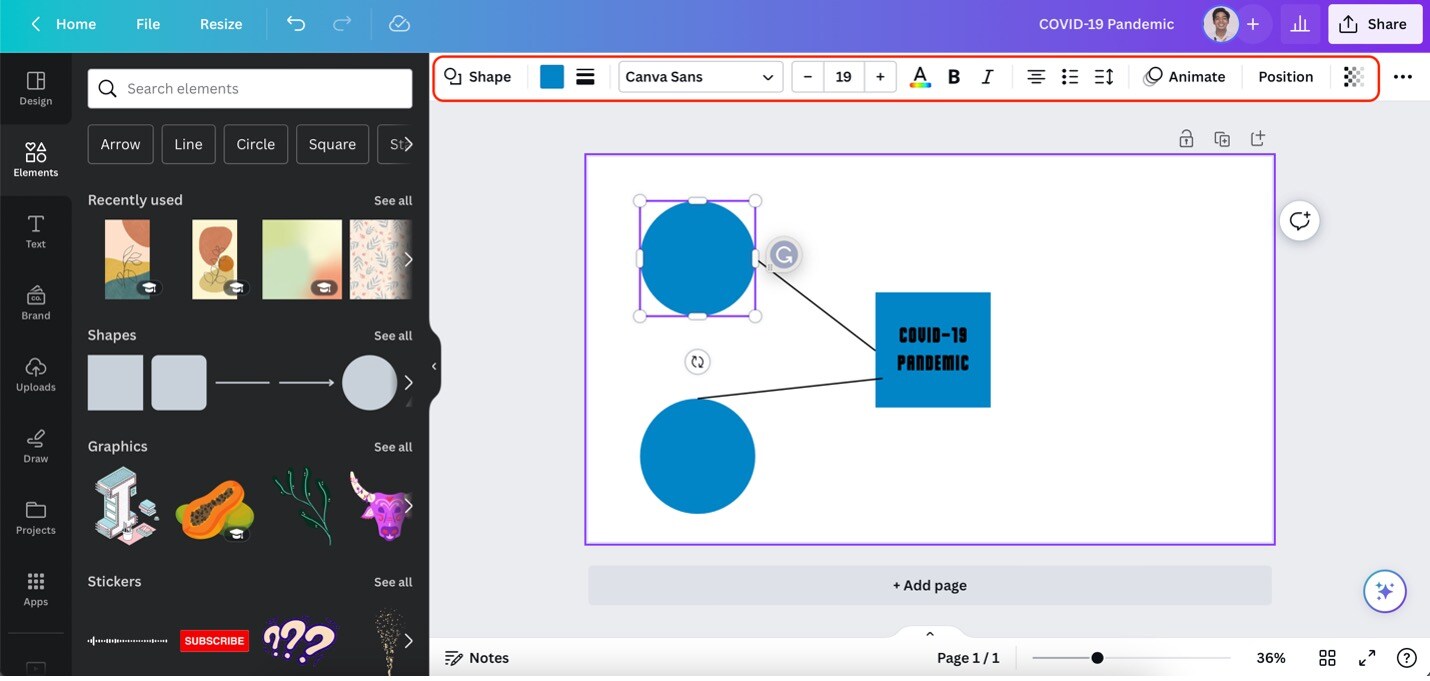
To create a mind map in Canva efficiently, start by searching for "mind map" templates. Choose a design that fits your needs, then use the drag-and-drop editor to add shapes, lines, text, and icons. Customize colors and fonts to reflect your brand or personal style, ensuring a visually appealing and organized layout.
What are the best Canva features for mind mapping ideas?
Canva's best features for mind mapping include its extensive library of customizable templates, a user-friendly drag-and-drop interface, and a wide selection of graphic elements like icons and shapes. Real-time collaboration tools allow teams to brainstorm together, enhancing productivity and fostering creative idea generation effectively.
Can I use Canva's mind map maker for project planning?
Yes, Canva's mind map maker is excellent for project planning. You can visually outline project phases, tasks, dependencies, and team responsibilities. This helps clarify objectives, identify potential roadblocks, and communicate project structures effectively to all stakeholders, streamlining the planning process visually.
Is it possible to share and collaborate on Canva mind maps?
Absolutely, Canva allows seamless sharing and collaboration on mind maps. You can invite team members via email or a link to view or edit in real-time. This feature is ideal for group brainstorming sessions, allowing multiple users to contribute simultaneously and collectively develop ideas.
How does Canva help with visual organization for students?
For students, Canva aids visual organization by transforming notes and study materials into engaging mind maps. This visual approach helps in memorizing complex information, structuring essays, and preparing for presentations. It makes learning interactive and boosts comprehension, turning daunting tasks into manageable visuals.
What are the export options for mind maps created in Canva?
Canva offers various export options for your mind maps, including high-quality PDF, JPG, and PNG files. You can also present directly from Canva or download as a Microsoft PowerPoint file. These versatile formats ensure your mind maps are shareable and compatible across different platforms for any need.
Are there specific templates for different types of mind maps in Canva?
Yes, Canva provides a diverse range of templates specifically designed for various mind map types. Whether you need a simple brainstorming map, a detailed project plan, a decision tree, or a SWOT analysis, you'll find a suitable starting point. These templates streamline creation and ensure professional results.
Welcome to the ultimate guide for leveraging Canva as your premier mind map maker. In 2026, staying organized and visually articulating your ideas is more crucial than ever. For Gen Z and Millennials, Canva offers an intuitive and powerful platform to transform complex thoughts into clear, engaging mind maps. Forget clunky software; Canva provides a seamless experience for brainstorming, project planning, and studying, all from your browser or mobile device. This article will help you navigate the best ways to create stunning mind maps efficiently.
Frequently Asked Questions
Where can I find the best Canva mind map maker templates?
The absolute best locations for templates are within Canva's official template library. Search directly for "mind maps" there to find a vast array of designs.
How do I use Local MAP or Maps to find mind map maker Canva tutorials?
Pull up your preferred mobile Maps app and search for "Canva mind map tutorials" or "online design workshops near me" to find local classes or resources. Verify real-time hours, as popular workshops fill up fast.
What are the best times to create complex mind maps in Canva?
For optimal creativity and fewer distractions, the best times are typically early mornings or late evenings.
Quick Local Guide for Canva Mind Map Resources:
- Canva Official Website - Global Online Platform
- Online Design Forums and Communities - Digital Sphere
All maps focus on mind map maker Canva tools and resources.
Key highlights
Easy drag and drop interface vast template library real time collaboration export options cloud based accessibility visual brainstorming tools
In pictures

2026 Guide Using Canva To Make A Mind Map Create Mindmap How Design Page Open Top Online Makers In 2026 Software 2026 Free Maker Mapping Examples Graph Maps Promo Showcase With AI Simple Step By 599F29CD 2027 431F 8517 5D39ACCA533C 599F29CD 2027 431F 8517 5D39ACCA533C 2026 Edrawmax Pttrns Add Template Tutorial 2026 Youtube Maxresdefault.


Canva Mind Map Step By Guide To Create Methods A Using 2026 Make Mindmap Article Header Free Maker Online Mapping Examples Careerplanningmindmap Jak Bezp Atnie Utworzy My Li Za Pomoc 2025 Search Bar How Use For 2026 Tutorial Youtube Maxresdefault Amazing Templates You Can Now 2026 Second Way In Graph Maps Promo Showcase.

Mind Map Designs Free Online Maker IAPQ Canva Blue And Grey Illustrative Creative XX7Z0Y1VEZ4 Top Substitutes You Need To Try In 2026 Edrawmind 2026 Guide Using Make A Create Mindmap Edrawmax Mapping Examples Mindmapbrainstorm 2026 Second Way How Convert AI Blog 101 Best Software For Creativity 2026 Web App Library Categories Providers Screenshots 000 072 566 Pub Screenshot 1681991697 000 072 566 1681991697 Customize 346 Maps Templates Colorful Brainstorm Qzuyrhokmxy The Creators Creator Pttrns Preset.