What are the best free online mind map tools?
Leading free online mind map tools include MindMeister Basic, Coggle, and XMind: Zen (Free Version). These platforms offer user-friendly interfaces and essential mapping features for organizing thoughts. They are excellent for individual use, allowing US users to create and manage ideas without any subscription costs, ideal for quick brainstorming.
How can I make a mind map online for free?
To create a mind map online free, choose a platform like Coggle or MindMeister. Start with a central topic, then add main branches for primary ideas. Expand these with sub-branches for details using keywords and short phrases. Utilize colors and icons to enhance visual organization, making your ideas clear and easy to navigate for any US user.
Are free mind mapping tools secure for my information?
Reputable free mind mapping tools typically employ strong security measures like data encryption and clear privacy policies. Always review the terms of service and privacy statements before inputting sensitive information. For critical data, consider the security practices of the provider to ensure your content is protected adequately for US standards.
Can I collaborate with others on a free online mind map?
Yes, many free online mind map tools support collaboration, allowing you to invite others to view or edit your maps via a shared link. While features might be limited in free versions, this functionality is invaluable for team projects, group study sessions, or collective brainstorming among US users, fostering shared understanding and productivity.
What are the primary uses of a mind map online free?
A mind map online free is primarily used for brainstorming, project planning, organizing notes, and summarizing complex information. It helps individuals visualize connections between ideas, enhancing creativity, memory, and problem-solving skills. Students and professionals across the US leverage these tools for academic success and professional efficiency.
What are the limitations of a free online mind map account?
Limitations of a free online mind map account often include a restricted number of maps you can create, fewer advanced features (like presentation modes or specific export options), and potentially basic collaboration capabilities. While effective for personal use, these restrictions typically push US users towards paid plans for extensive or professional needs.
How do I choose the right free online mind map tool?
Choose the right free online mind map tool by considering its user interface, the features offered in the free version (e.g., number of maps, export options), and its compatibility with your devices. Read user reviews and ensure it meets your specific needs for brainstorming or project organization, ensuring a good fit for US users.
Discover how to effectively find and utilize free online mind map tools to boost your productivity, brainstorming, and learning in the United States. This comprehensive guide helps US local-guide readers understand what mind maps are, where to locate reliable no-cost platforms, and how to choose the best option for their needs. Explore various web-based solutions that require no download, understand their core functionalities, and learn common requirements for use. Whether you are a student, professional, or anyone looking to visualize ideas, this resource outlines why leveraging a mind map online free can simplify complex information and enhance decision-making without any financial investment. Navigate available options to start creating visual representations of your thoughts today, perfect for project planning, study notes, or creative idea generation.
Questions & answers
What is a mind map online free?
A mind map online free is a digital tool that allows users to create visual diagrams to organize thoughts and ideas without any cost. It facilitates brainstorming, note-taking, and problem-solving by representing information in a hierarchical, branching structure, accessible from any internet-connected device.
How can a mind map online free help US students?
A mind map online free assists US students by visually structuring study materials, outlining essays, and summarizing complex topics. It enhances memory retention and comprehension, making revision more effective and improving academic performance across various subjects and educational levels.
Are there truly free online mind map tools with no hidden costs?
Yes, many platforms offer genuinely free versions with core mind mapping functionalities, often referred to as freemium models. These versions may have limitations on features or the number of maps, but they provide essential tools for creating a mind map online free without any upfront or recurring charges.
Can I share my mind maps created online for free?
Most free online mind map tools include options to share your created maps. You can typically generate a link to invite others to view or collaborate on your map, making it convenient for group projects, team discussions, or sharing ideas with colleagues in the US.
What should I look for in a good mind map online free tool?
When choosing a mind map online free tool, look for an intuitive user interface, essential features like unlimited nodes or custom colors, and accessibility across different devices. User reviews and security policies are also important to ensure a reliable and effective experience for US users.
How do I start creating my first mind map online free?
To start, select a central topic and place it in the middle of your chosen tool's canvas. Then, branch out with main ideas, and further expand those with sub-branches using keywords or short phrases. Utilize colors and icons to enhance visual appeal and clarity for effective organization.
Unlock Your Ideas: Mind Map Online Free
Many US residents often seek efficient ways to organize thoughts, brainstorm ideas, or simplify complex information without incurring additional costs. A mind map online free offers a powerful visual thinking tool that transforms scattered ideas into a structured, easily understandable format. This guide empowers you to navigate the digital landscape, locate the best free platforms, and harness the full potential of online mind mapping for personal, academic, or professional use. Understanding what a mind map is and its benefits is the crucial first step toward leveraging this dynamic problem-solving and idea-generation technique.
Mind mapping essentially involves creating a diagram to visually organize information, with a central concept branching out into associated ideas and keywords. For individuals across the United States, from students tackling challenging assignments to professionals streamlining project workflows, accessing a mind map online free provides an invaluable resource. These digital tools often come with intuitive interfaces, drag-and-drop functionality, and various templates, making the process of creating intricate maps accessible to everyone, regardless of their technical expertise. The ease of access and zero financial investment make them particularly appealing.
The demand for free online tools has grown significantly as more people embrace remote work and digital learning. A mind map online free solution eliminates the need for expensive software subscriptions or traditional pen-and-paper methods, offering flexibility and portability. You can access your mind maps from any device with an internet connection, facilitating collaboration and on-the-go revisions. This accessibility ensures that your brilliant ideas are never confined to a single location or device, supporting dynamic thinking and continuous development for a wide range of users throughout the US.
Benefits for US Students and Professionals
For US students, a mind map online free is a game-changer for study habits and information retention. It helps break down complex subjects into digestible visual chunks, making revision more effective and exam preparation less daunting. From structuring essay outlines to summarizing textbook chapters, the visual nature of mind maps enhances comprehension and recall. Many educational institutions across the country now encourage students to use such tools, recognizing their proven cognitive benefits. Embracing free online mind mapping can lead to improved academic performance and a deeper understanding of course material.
Professionals in the United States also find immense value in using a mind map online free for various business applications. It streamlines project planning, helps organize team meetings, and facilitates creative problem-solving sessions. Whether you are outlining a marketing strategy, developing a new product, or simply planning your weekly tasks, a mind map provides a clear, concise overview that can be easily shared and understood by colleagues. The ability to quickly iterate and adapt ideas within a visual framework boosts team efficiency and fosters innovation within any organization.
Beyond specific tasks, the consistent use of a mind map online free enhances overall cognitive abilities. It encourages divergent thinking, improves memory, and helps in connecting seemingly unrelated concepts. For anyone looking to sharpen their critical thinking skills and boost their mental agility, integrating free online mind mapping into their daily routine offers significant long-term benefits. These tools are designed to work with your brain's natural way of processing information, making them an intuitive and powerful aid for anyone in the US aiming for better mental organization and creativity.
How to Find and Choose Free Online Mind Map Tools
Locating a reliable mind map online free tool is straightforward, with numerous options available directly through a simple web search. Key platforms often appear at the top of search results, offering freemium models where basic features are free, and advanced functionalities come with a subscription. When beginning your search, focus on keywords like “free online mind map creator,” “no-cost mind mapping software,” or “best free mind map tools.” This approach typically uncovers a range of popular and highly-rated platforms that cater to diverse user needs, from simple brainstorming to more complex project visualization.
When selecting a mind map online free, consider several factors to ensure it meets your specific requirements. First, evaluate the user interface: is it intuitive and easy to navigate? A clunky interface can hinder creativity and productivity. Second, assess the features offered in the free version. Look for core functionalities such as unlimited nodes, different branch styles, icon support, and basic export options. Some tools might restrict the number of maps you can create or limit collaboration features in their free tier. Understanding these limitations upfront helps you choose a tool that truly supports your intended use without unexpected costs.
Finally, check for compatibility and accessibility. A good mind map online free should be accessible from various devices and browsers without requiring any software download. This ensures maximum flexibility whether you are working from a desktop, laptop, or tablet. Also, consider any community reviews or user testimonials; these can provide valuable insights into a tool’s reliability and performance from other US users. Prioritizing these aspects will guide you toward a free online mind mapping solution that is both effective and convenient for your specific needs, making your idea generation process seamless.
Top Free Online Mind Map Platforms
Several platforms stand out as excellent choices for anyone seeking a mind map online free. MindMeister Basic offers a user-friendly interface and allows up to three mind maps for free, making it ideal for occasional users or those just starting. Its collaborative features, even in the free tier, are particularly useful for team projects or group study. This platform is widely recognized for its clean design and ease of use, providing a strong entry point for many US users looking to visualize their thoughts.
Another highly recommended option is Coggle. This tool is known for its beautiful, branching mind maps and seamless collaboration capabilities. Coggle’s free version supports unlimited public diagrams, which is fantastic for those who don't mind their maps being discoverable. Its intuitive drag-and-drop functionality makes it incredibly easy to create detailed and visually appealing mind maps quickly. For students and educators, Coggle offers a robust and aesthetically pleasing way to organize information and share ideas effortlessly.
For those prioritizing integration with other productivity tools, FreeMind (desktop based, but often recommended alongside online tools for its open-source nature) and online alternatives like XMind: Zen (Free Version) provide powerful features. While FreeMind requires a download, XMind offers a web version that allows users to create elegant mind maps with a variety of structures and themes. The free online versions typically offer core mapping functionalities sufficient for individual use, ensuring that US citizens can access powerful mind mapping capabilities without a financial commitment, enhancing their workflow and creativity.
Creating Your First Mind Map Online Free
Embarking on your first mind map online free project is an exciting step towards enhanced organization and creativity. Begin by choosing a central topic or idea. This central theme will be the core of your mind map, placed in the middle of your digital canvas. For example, if you are planning a vacation, your central topic might be “California Road Trip.” Selecting a clear, concise central idea ensures that all subsequent branches and sub-branches remain relevant and focused, preventing your mind map from becoming cluttered or confusing. Take a moment to articulate this core concept effectively.
Next, start brainstorming main branches that radiate directly from your central topic. These are your primary categories. For our “California Road Trip” example, main branches could include “Destinations,” “Budget,” “Activities,” and “Accommodation.” Most mind map online free tools allow you to simply click and drag to create new branches, or use intuitive keyboard shortcuts. Focus on capturing all major components related to your central idea without overthinking. The beauty of digital mind mapping is the ease with which you can rearrange, add, or delete elements as your ideas evolve, promoting a fluid brainstorming process.
Once your main branches are established, delve deeper by adding sub-branches and keywords to each category. Under “Destinations,” you might add “San Francisco,” “Los Angeles,” and “Yosemite.” Under each of these, further details like “Golden Gate Bridge” or “Universal Studios” would become sub-branches. Use images, icons, and different colors provided by your mind map online free tool to make your map more visually engaging and memorable. The goal is to create a comprehensive yet clear visual representation of your thoughts, ensuring every detail is captured and organized logically for easy understanding and future reference.
Tips for Effective Mind Mapping
To maximize the effectiveness of your mind map online free, always use single keywords or short phrases for branches instead of long sentences. This keeps your map concise and easy to scan, allowing for quicker comprehension and recall. Overloading branches with too much text can defeat the purpose of visual organization, making the map appear cluttered and difficult to interpret at a glance. Embracing brevity ensures that your mind map remains a powerful tool for quick information synthesis and idea generation, particularly beneficial for busy US professionals and students.
Employing colors, images, and icons within your mind map online free can significantly enhance its impact. Assign different colors to main branches to visually categorize information, making it easier to distinguish between different themes. Icons or small images can represent concepts more quickly than text, adding another layer of visual stimulation that aids memory and understanding. Many free online tools offer a library of icons and customization options for colors and fonts, allowing you to personalize your maps and make them more engaging and effective for your learning style.
Finally, practice makes perfect. The more you use a mind map online free, the more proficient and efficient you will become at leveraging its capabilities. Experiment with different layouts, branch styles, and collaboration features to discover what works best for you. Don't be afraid to revise and refine your maps; they are living documents that should evolve with your ideas. Regular use of mind mapping can transform your thinking process, making it more organized, creative, and productive, benefiting anyone in the United States looking to master complex information and generate innovative solutions.
Frequently Asked Questions About Online Free Mind Maps
What is a mind map and how does it work?
A mind map is a visual diagram used to organize information. It starts with a central topic, from which main ideas branch out, and then sub-ideas branch from those. It works by mimicking the brain's natural thought processes, using keywords, colors, and images to stimulate memory and creativity, making complex data easier to understand and recall for US users.
Are free online mind map tools secure for personal data?
Most reputable free online mind map tools prioritize user data security. They often use encryption and robust privacy policies. However, always review a platform's terms of service and privacy statement, especially if you plan to include sensitive personal or professional information. For highly confidential data, consider self-hosted or offline software options.
Can I collaborate with others on a mind map online free?
Yes, many free online mind map platforms offer collaboration features, though they might be limited compared to paid versions. Typically, you can invite others to view or edit your mind map by sharing a link. This functionality is invaluable for team projects, group study, or joint brainstorming sessions across the United States, fostering shared understanding.
What are the best free online mind map tools available?
Top free online mind map tools include MindMeister Basic, Coggle, and XMind: Zen (Free Version). These platforms offer intuitive interfaces, essential mapping features, and often allow for a certain number of maps or public sharing options at no cost. Each provides a unique set of benefits, so explore them to find your best fit.
What are the limitations of using a free mind map online?
Limitations of a free mind map online often include a restricted number of maps, limited export formats, fewer advanced features like Gantt charts or presentation modes, and potentially no dedicated customer support. Collaboration features might also be basic. Despite these, free versions are typically more than sufficient for most individual brainstorming and organizational needs.
How can a mind map online free benefit my studies or work in the US?
For studies, it helps organize notes, plan essays, and summarize topics. For work, it aids in project planning, brainstorming meetings, and outlining presentations. A mind map online free enhances memory, stimulates creativity, and clarifies complex information, making you more efficient and productive in academic or professional settings across the United States.
Key highlights
free online mind map software, best free mind mapping tools, how to use online mind maps, mind map maker no download, online mind map for students, mind map template free
In pictures

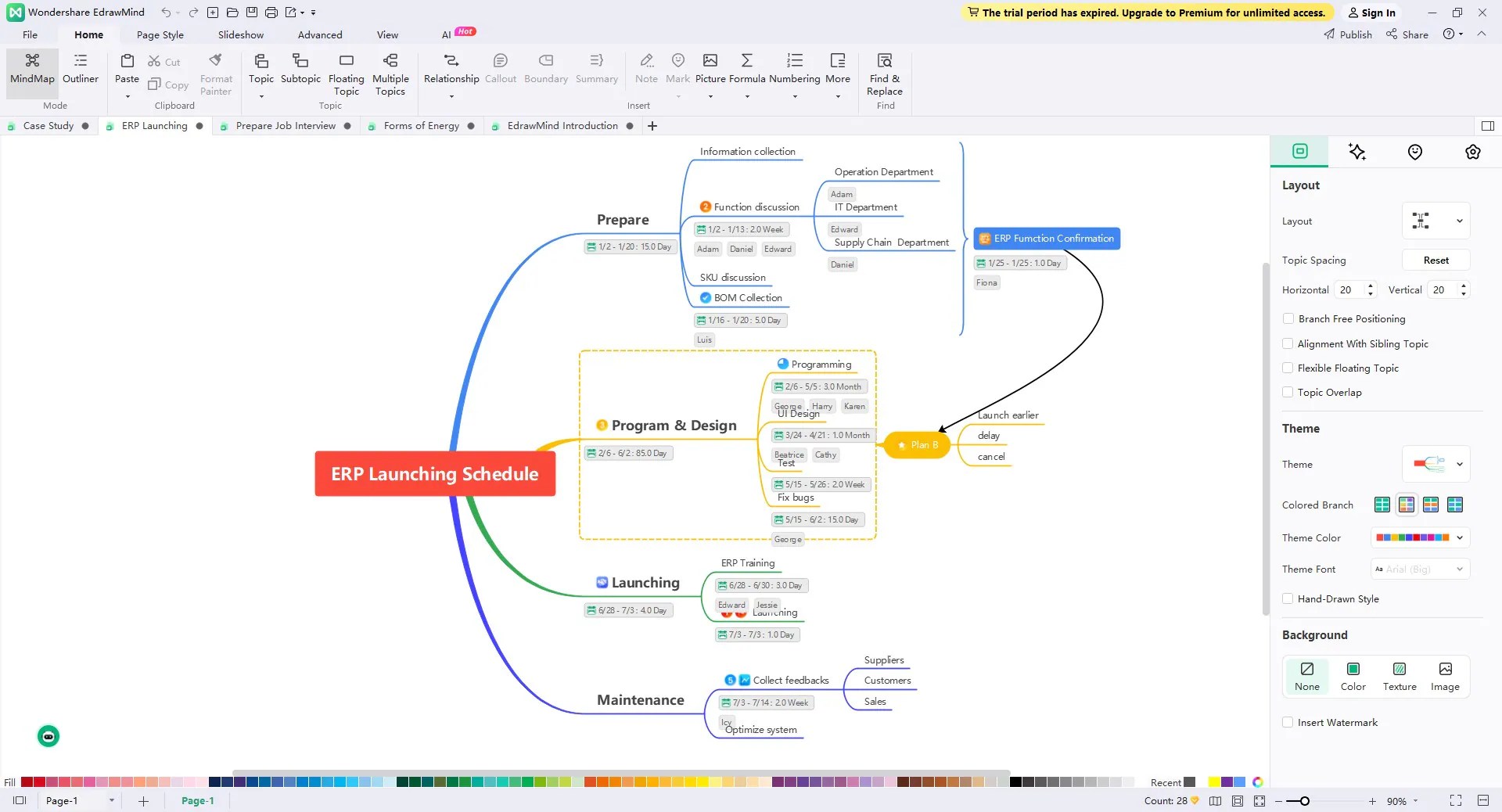

Assessing Best Free Mind Map Software 2026 For Tools Corporate Us Choose Export Option Edrawmind Online 2026 Top Mapping Mindmap Available In 2026 Screenshot 2026 Add Branches Makers 2026 Compared Cover Creator Creately Teams 2026 Maker 605E8596BA20B1C44847F38D8A610D2B 2026 Featured Image Mural 65f0fbed6f7eeee5e192d324 PRD Lead Mindmapping 65f0fbed6f7eeee5e192d324 Tool Syncfusion Overview V3 What S The Picks 2026 D5B8A8BED2AB22DFE026 All Platforms.

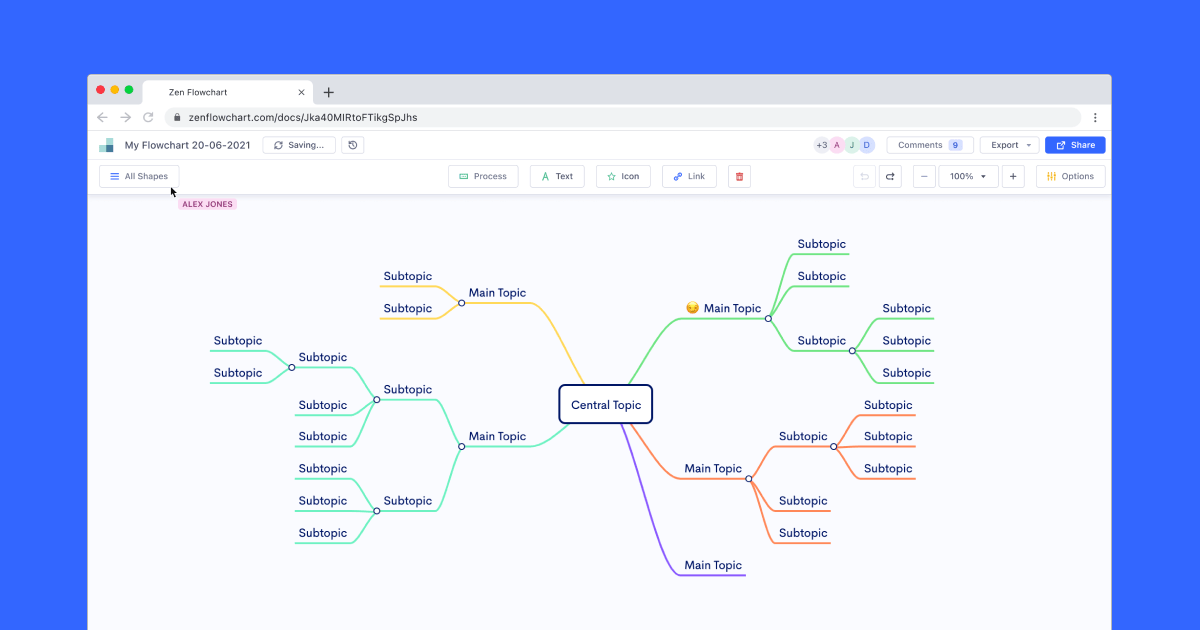
Free Online Mind Map Generator LLIRH Website Launch Miro Maker Mapping Examples Canva Graph Maps How To Create LMXF 61DE72C4EA82911B83BDFC2C Top AI Generators In 2026 Edrawmind Step Makers 2026 Software Mindmup Download TSAUXR Mindmapbrainstorm Whiteboard Blue And Yellow Simple Brainstorm Style 2026 Mindmeister 2026 Tools Flux Resource Mindmap Book No The 2026 Calendar Akademie F R MM KALENDER2026 With Easy Use Creately Best 2026 59179F6E 3b97 4b25 BF89 402950808d24 A From Pdf Minutes 59179F6E 3b97 4b25 BF89 402950808d24.


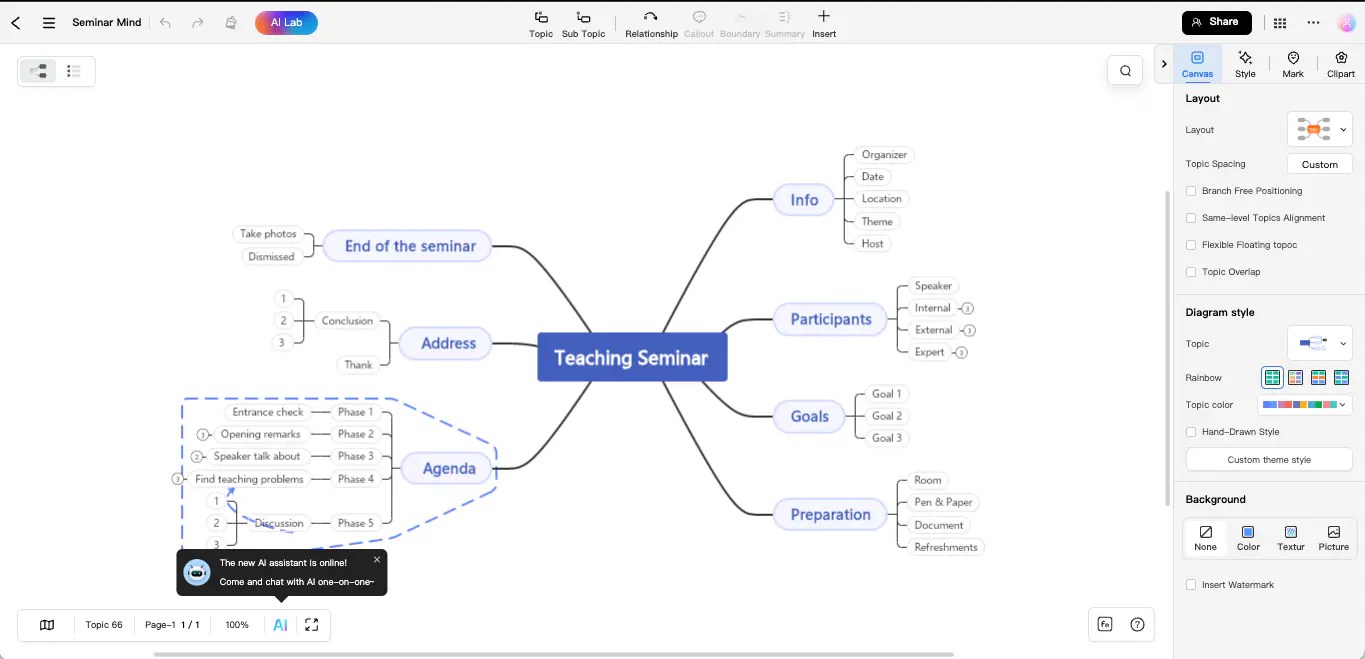
Free Mind Map Maker Online Mapping Examples Canva Mindmap Brainstorm Whiteboard In Yellow Pink Trendy Stickers Style Template Download Of Vector Art 2018b92d39d53c7aa5f525f2762b8278 Figjam By Figma 38CD41CDB3674ABB9CB4A3EBBE3116A4DEBA88EA Best Software 2026 71D4A66F C584 41e4 9a21 AA5686885852 Complete Guide Making Tools 71D4A66F C584 41e4 9a21 AA5686885852 A To With 17695155 A2A3 423F B01D D255C43FA896 17695155 A2A3 423F B01D D255C43FA896 List BBEM Mindmeister Introduction Maps 2026 2026 NCC 2026 2026 Top Makers 2026 Article Cover Templates Word Powerpoint PSD Templatelab Com Scaled.